
Azimuth

Operationssoftware for flying clubs and flight schools.

Supercharge your scheduling, dispatch, maintenance, training, members and billing systems, and configure everything to your own operations. Bringing flight ops into the modern era.

Walkthroughs and demos run from 8am to 8pm, Mountain time.

Designed for North American operations.Azimuth is specialized for flying clubs, flight schools and FBOs in Canada and the United States.

Explore how Azimuth brings your aircraft, people and daily operations together.

These are just the highlights.

Explore all features
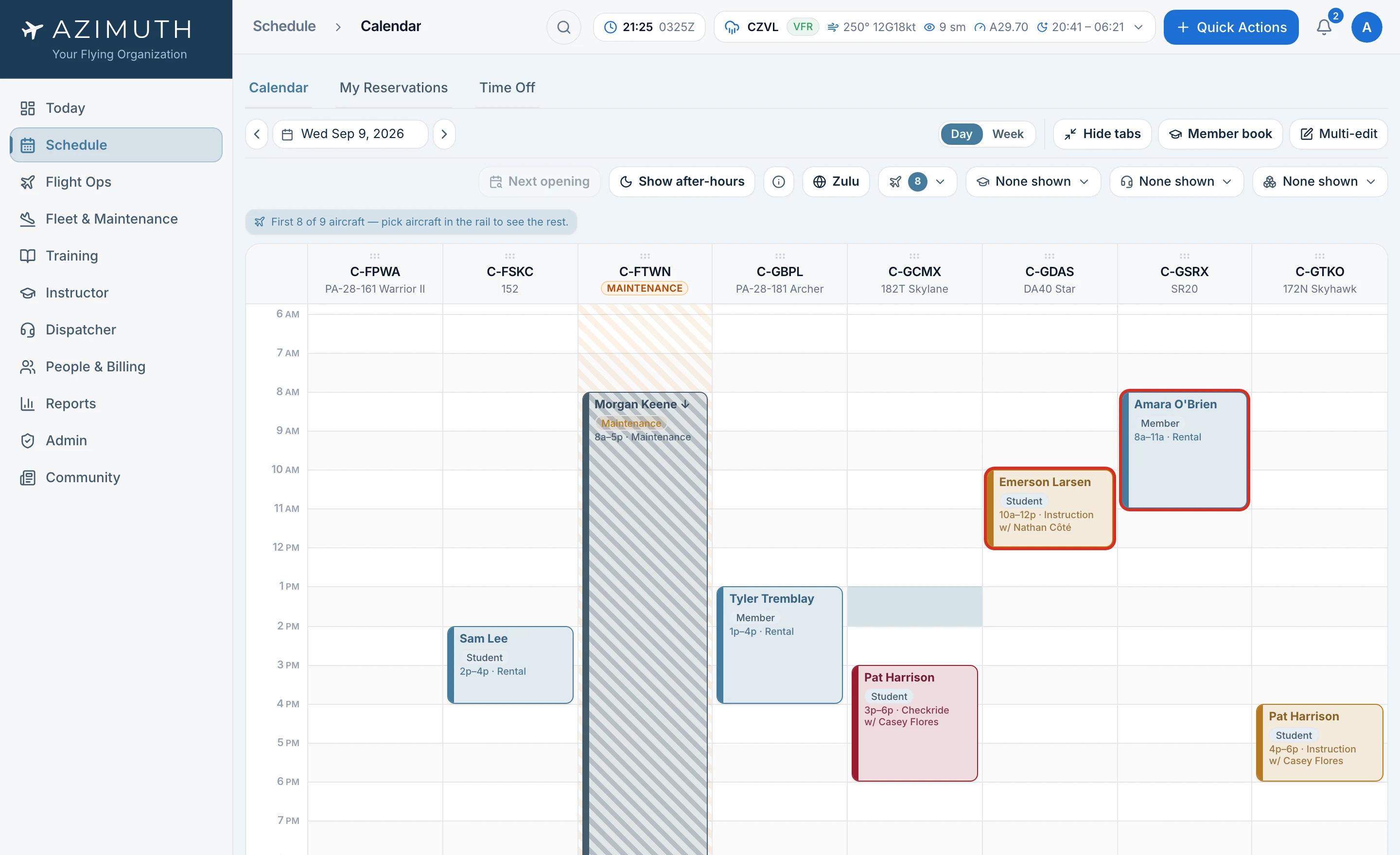
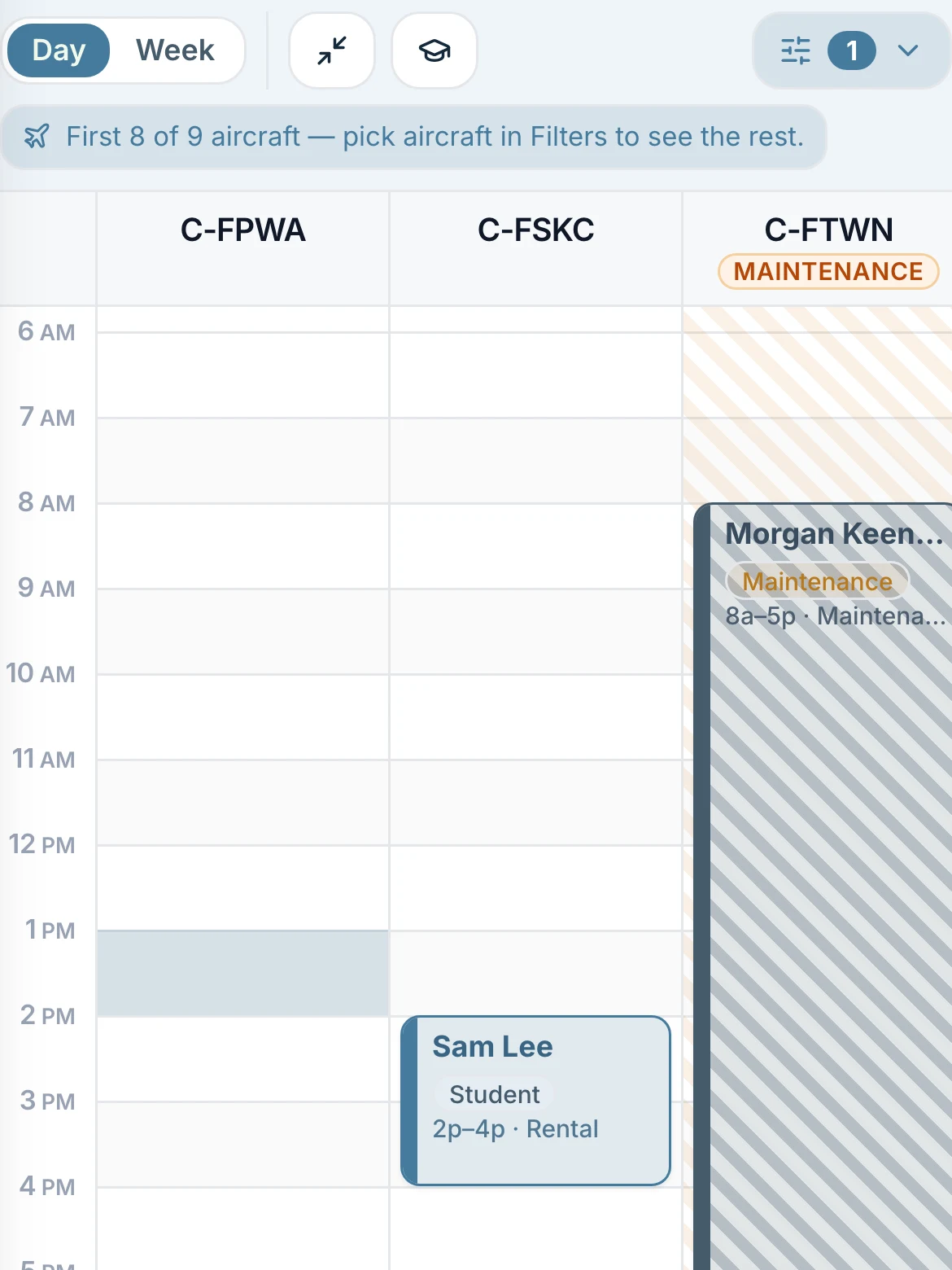
The schedule board with aircraft lanes and the day's bookings

Schedule in action

From the first booking to the logged flight.

1 / 4Book from one board
Swipe to explore

Aircraft, instructors, simulators and briefing rooms share one board. Book a single flight or a week of lessons in one pass.

Explore scheduling
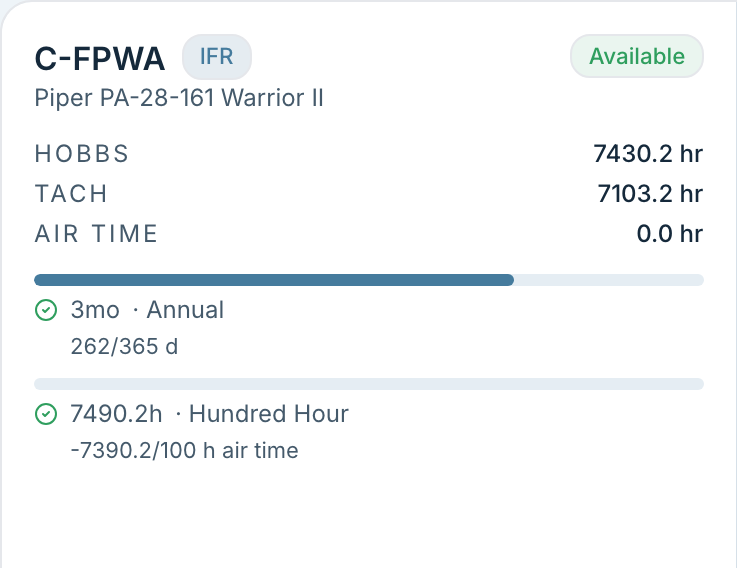
One aircraft's card, with its meters, its annual and its hundred hour counting down

The aircraft knows when it is due. So does the schedule.

Aircraft health, maintenance, usage and downtime all follow the metrics your shop relies on. See which inspection, directive or component needs attention now or later, and make decisions based on when it is due and how much time remains. The shop and the schedule use those same records, ensuring all your departments are on the same page.
  • Track inspections and component life by Hobbs, tach, air time, calendar date, or both hours and dates.
  • A snag written up at the desk reaches the shop the same minute.
  • Enable automatic maintenance blocking to stop bookings and dispatch when an item is overdue. Your club controls staff overrides.
  • Purchase orders with parts, labour and the release, printed for the tech log.
  • Maintenance can record an authorized extension with who granted it and why, or complete the work and release the aircraft.
  • Weight and balance for every tail, checked before the aircraft moves.
Maintenance and airworthiness
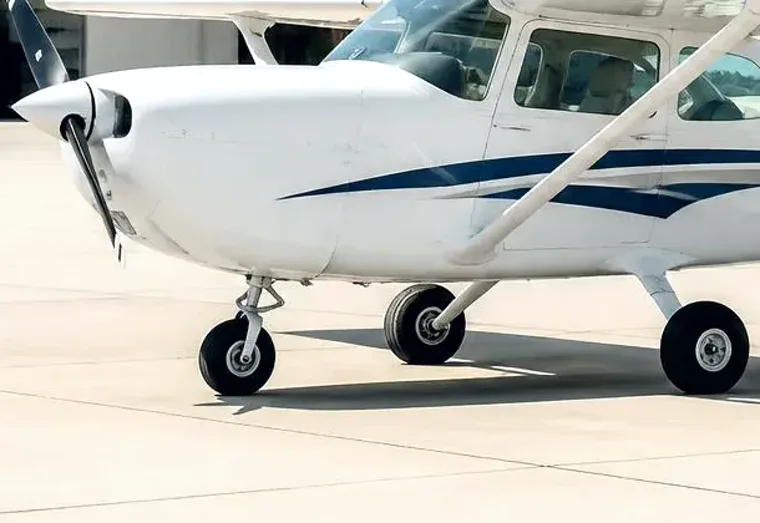
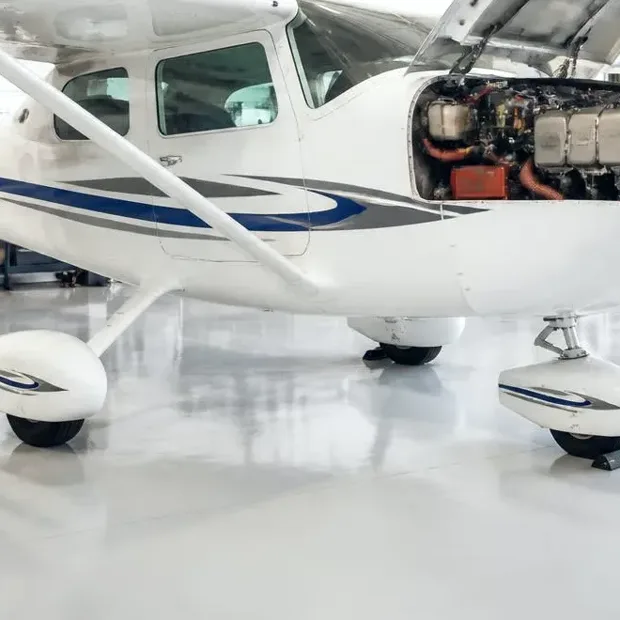
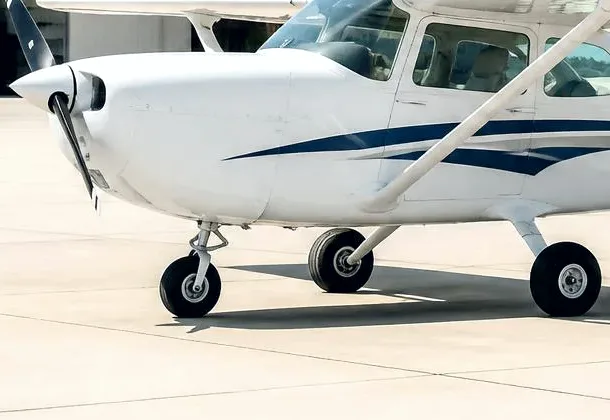
A Cessna 172 on the apron in front of a hangar

On the taxiway

Checked out at the desk, meters read, snags cleared, before the aircraft moves.
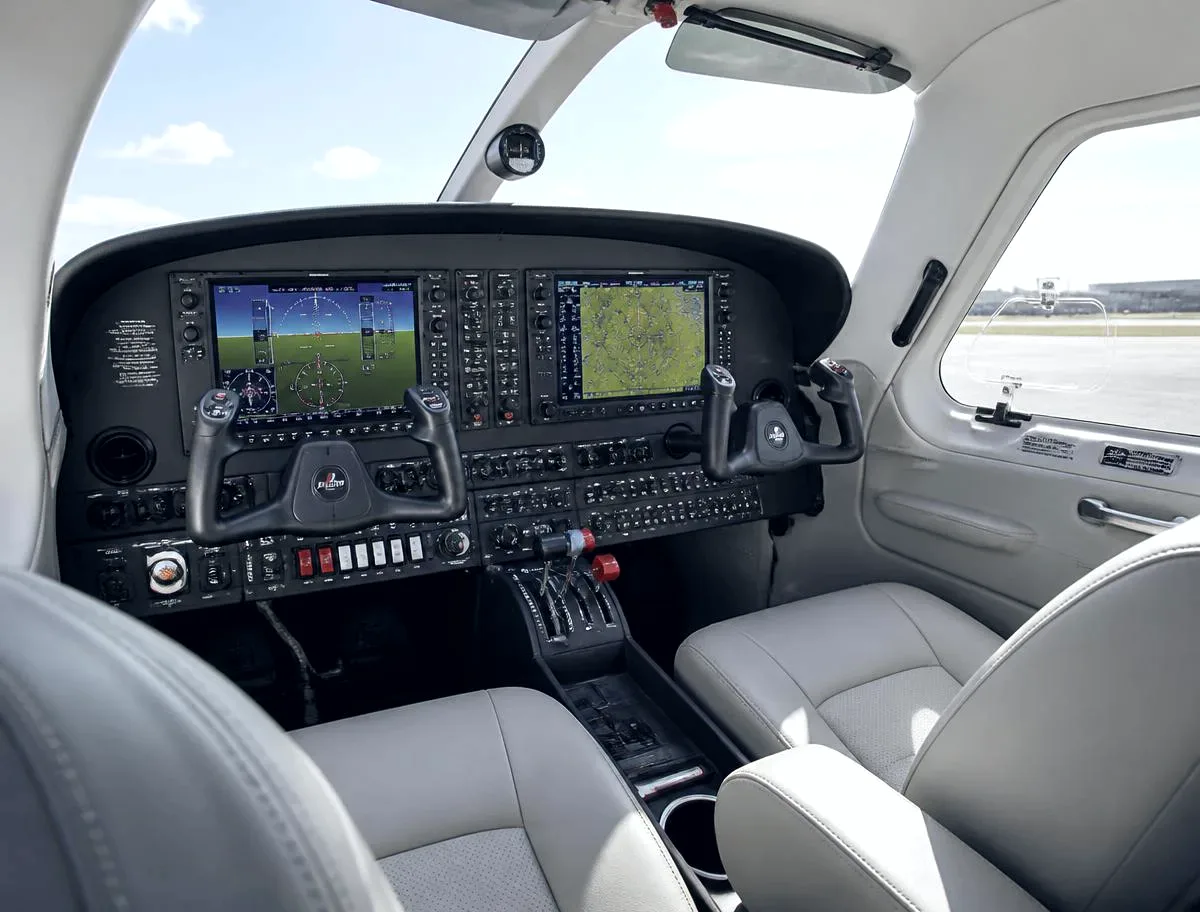
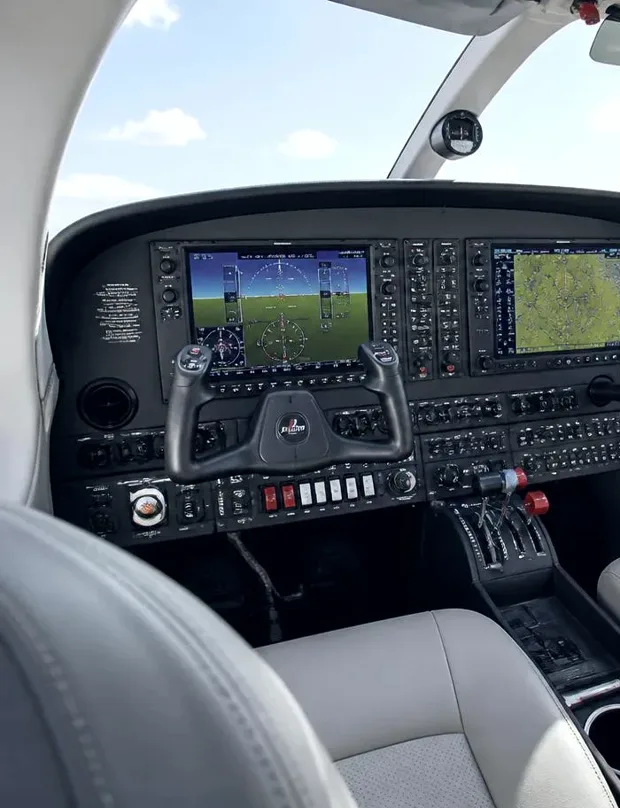
The glass cockpit panel of a club training aircraft

In the air

The booking already knew the medical was current and the aircraft was not due.
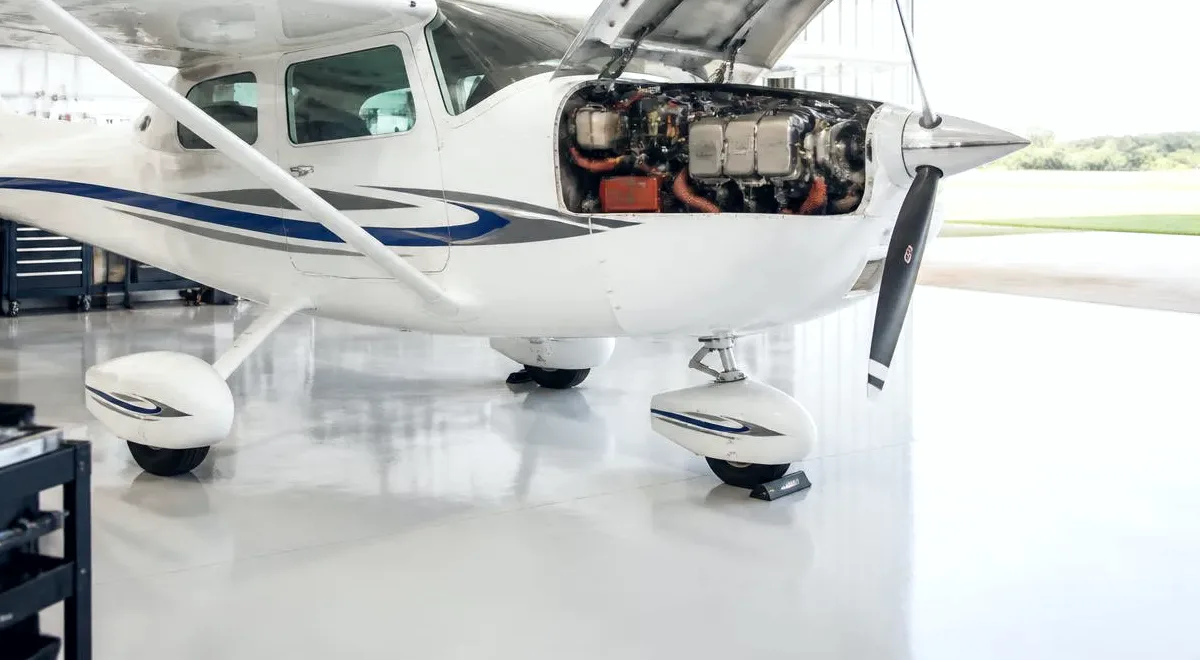
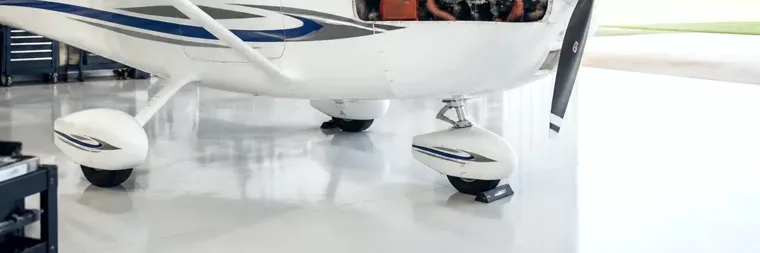
A club aircraft back in the hangar with the cowling open

Back in the hangar

Flight logged, hours on the airframe, invoice drafted.

Your club, your rules.

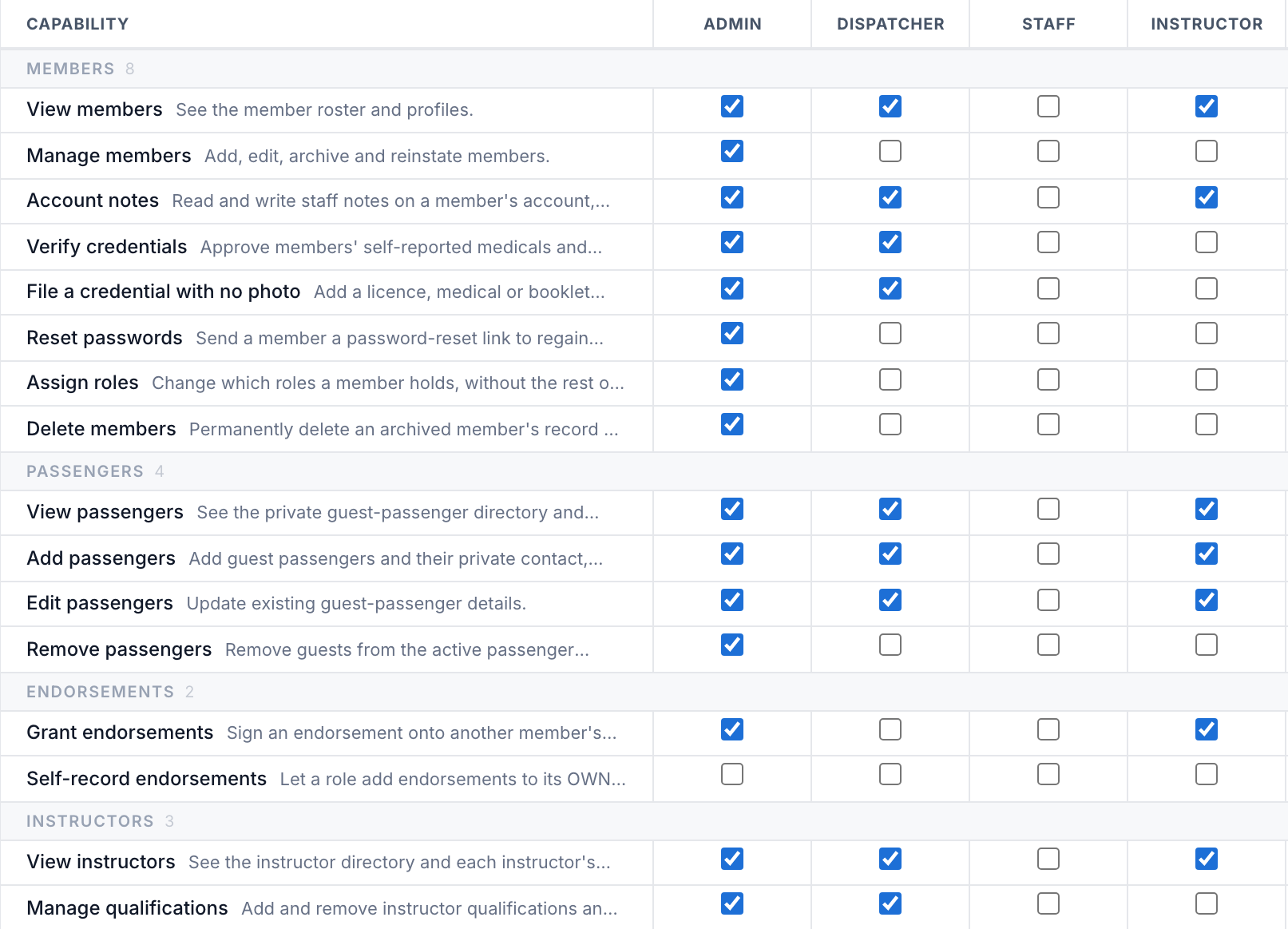
100+ club settings. 90+ role permissions.Shape booking limits, dispatch checks, maintenance alerts and billing around your operation. Define your own roles, decide what each team can see and do, and choose which checks staff may override.
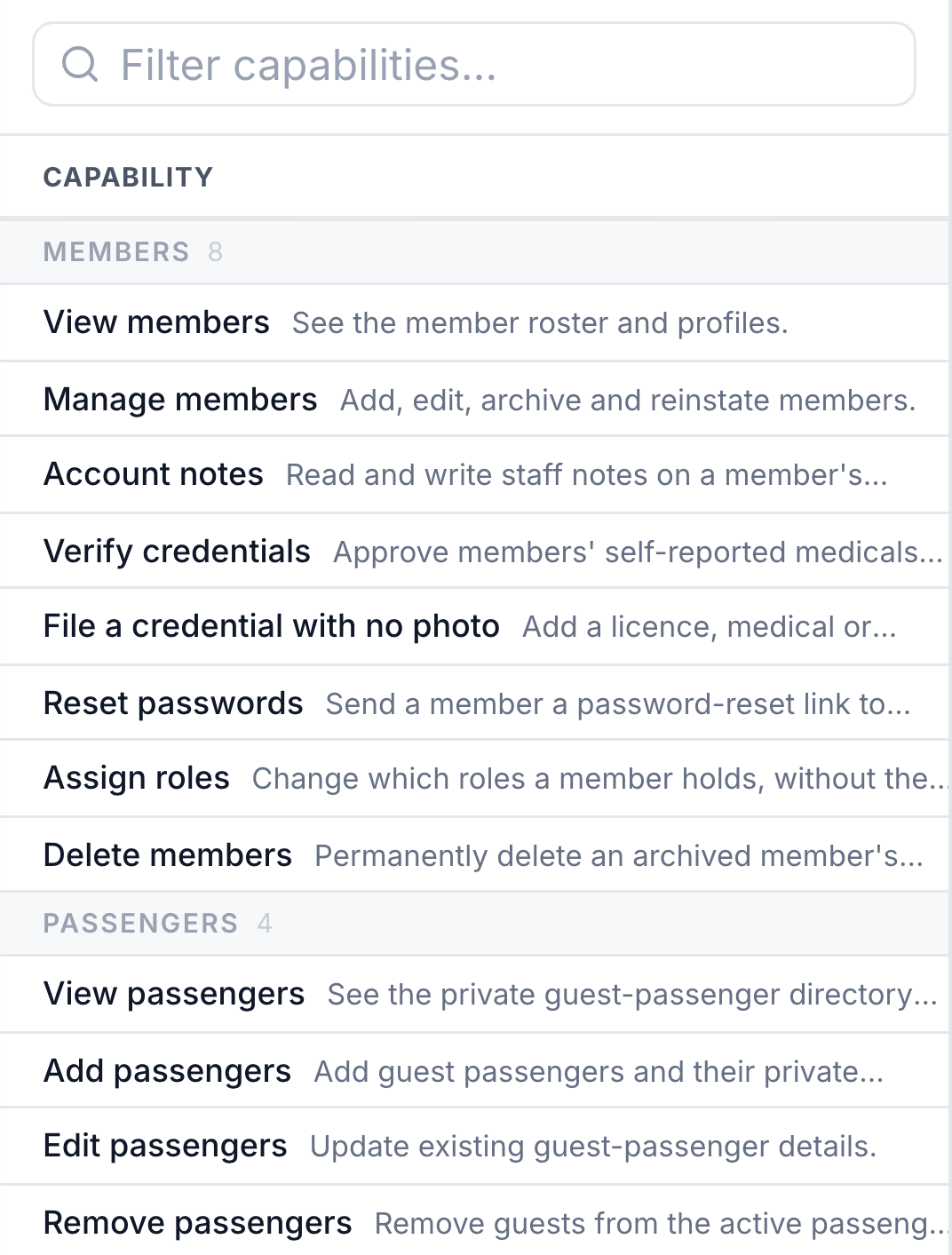
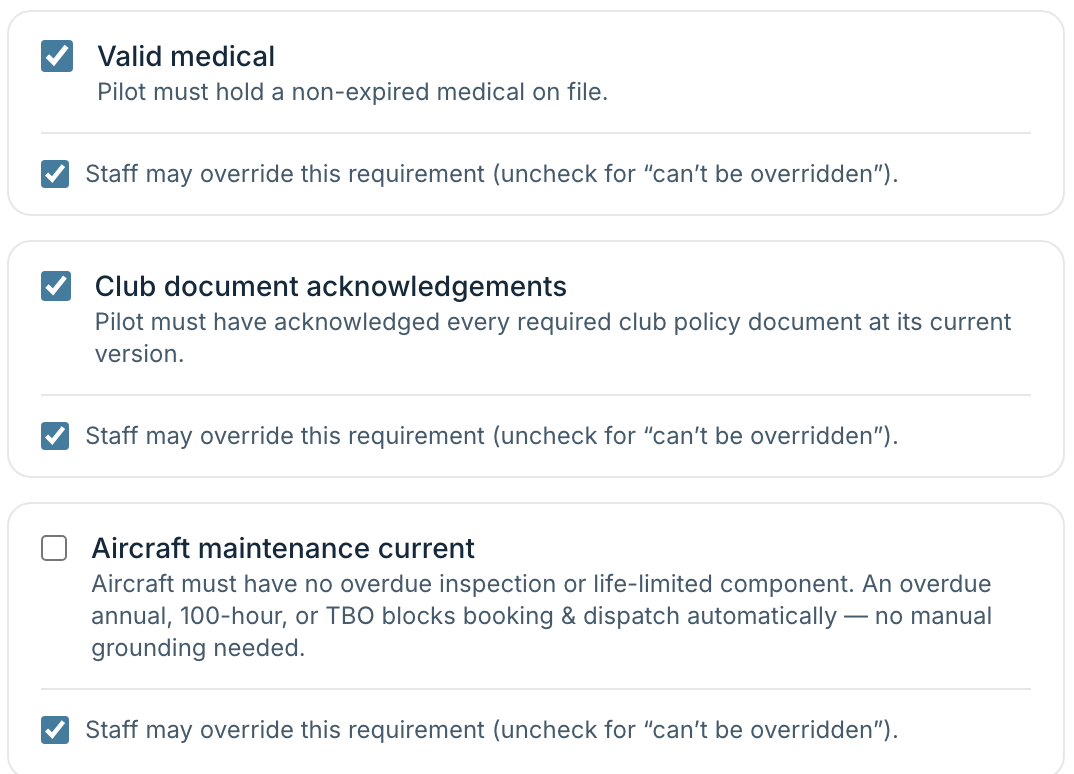
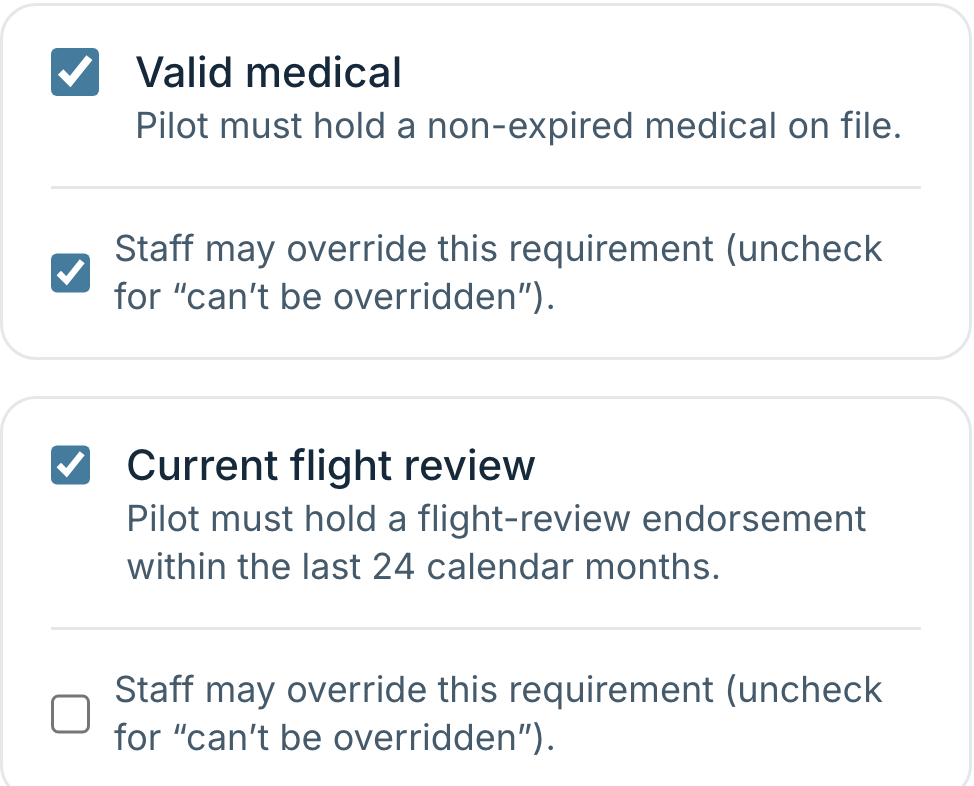
  • Every booking check is on or off for your club, and whether staff may override it is a separate decision.
  • Overrides are allowed, with a reason, and every one is written down.
  • You decide how the club is organised. Name the roles you use, and decide what each one can see and do.
  • Your pre-flight checklist, your booking rules, your operating seasons, your member numbering.
  • Snags or squawks, category or class, circuits, apron, last light. The words your regulator uses.
How you set it up
The capability matrix, with a tick for each thing a role may do
Booking gates, each with a switch for the check and a second switch for whether staff may override it

Everyone hears what they need to.

Notices, reminders and changes go to the right people on their own. You can reach the whole club, one role, a list you pick, or one person, and members choose how they are told.
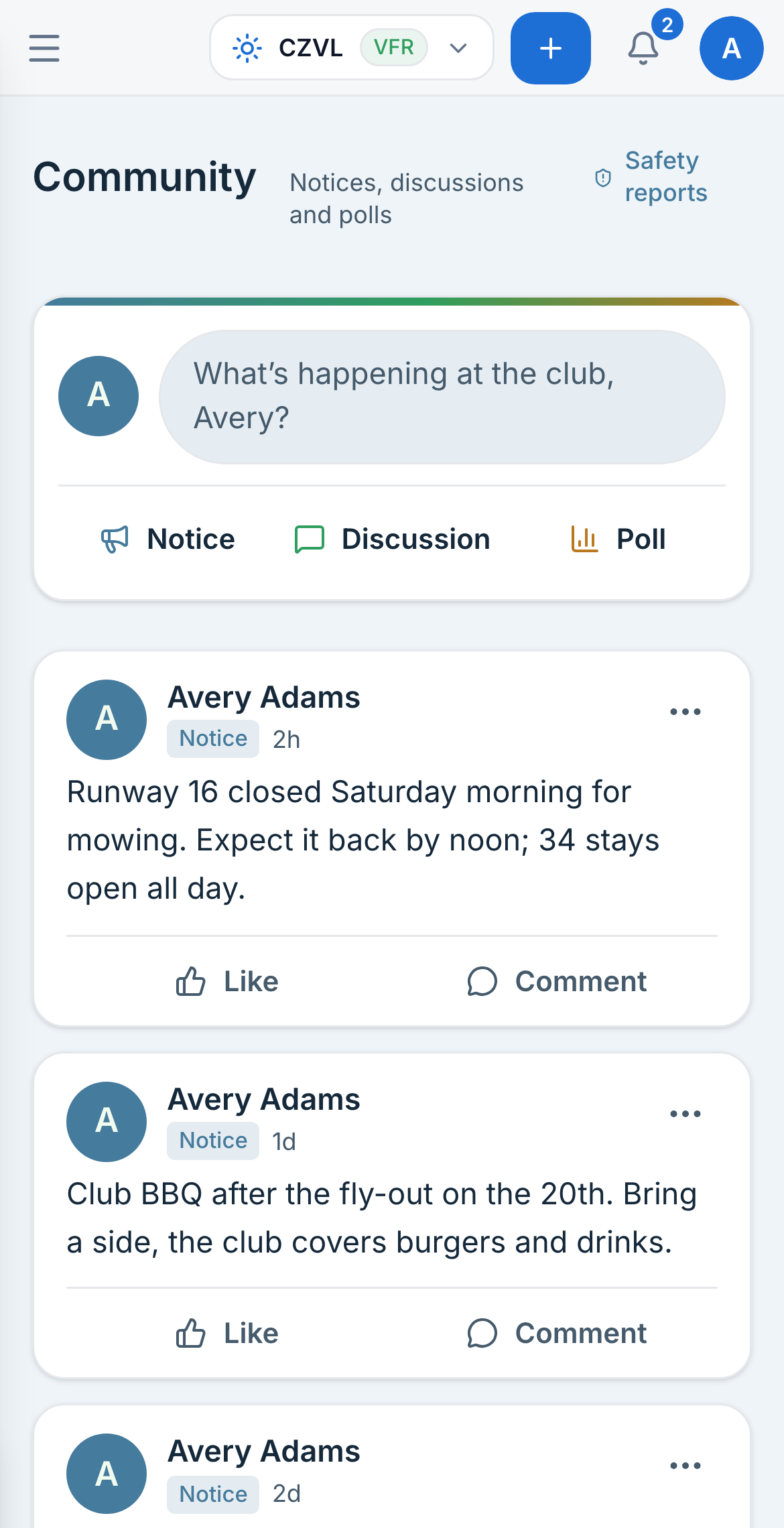
The Azimuth club feed on a phone, with notices from the club

What arrives on a member's phone

  • Your booking tomorrownowC-FPWA, 09:00 to 11:00 with N. Côté.
  • Booking moved12mYour Saturday slot is now 13:00. The aircraft is in for its 100 hour.
  • Medical expires in 30 days1hRenew before 14 November to keep booking.
  • C-FKLR is back on line3hReturned to service after its 100 hour.
  • Club noticeYesterdayRunway 16 closed Saturday morning for mowing.

Who you can reach

  • The whole club
  • Everyone in one role, like the instructors
  • A list you pick
  • One person

How they hear it

  • Email or text, each one switchable per member.
  • A reminder before a booking, and before a medical or licence lapses.
  • A notice when a booking moves or is cancelled, with the reason.
  • A club feed with notices, discussions and polls, filtered by your own topics.
  • Safety reports kept apart from the feed, and anonymous when the member chooses.
Communications

Private Pilot Licence

17 / 18
  1. 1Effects of ControlsComplete
  2. 2Straight & Level FlightComplete
  3. 3Climbing & DescendingComplete
  4. 4TurnsComplete
  5. 5Slow FlightComplete
  6. 6Stalls: Power OffComplete
  7. 7Stalls: Power OnComplete
  8. 8Circuits & LandingsComplete

Every student's training is tracked.

Set up your course once and enrol students on it. Instructors sign off each lesson, and students see how far along they are and what is left.

  • Keep every student in view

    Instructors see every student they teach and where each one is.

  • Keep their sign-offs together

    Stage checks, checkrides and written exams go on the student's file.

  • Connect training to booking

    A signed-off checkout lets the member book that aircraft.
Explore training
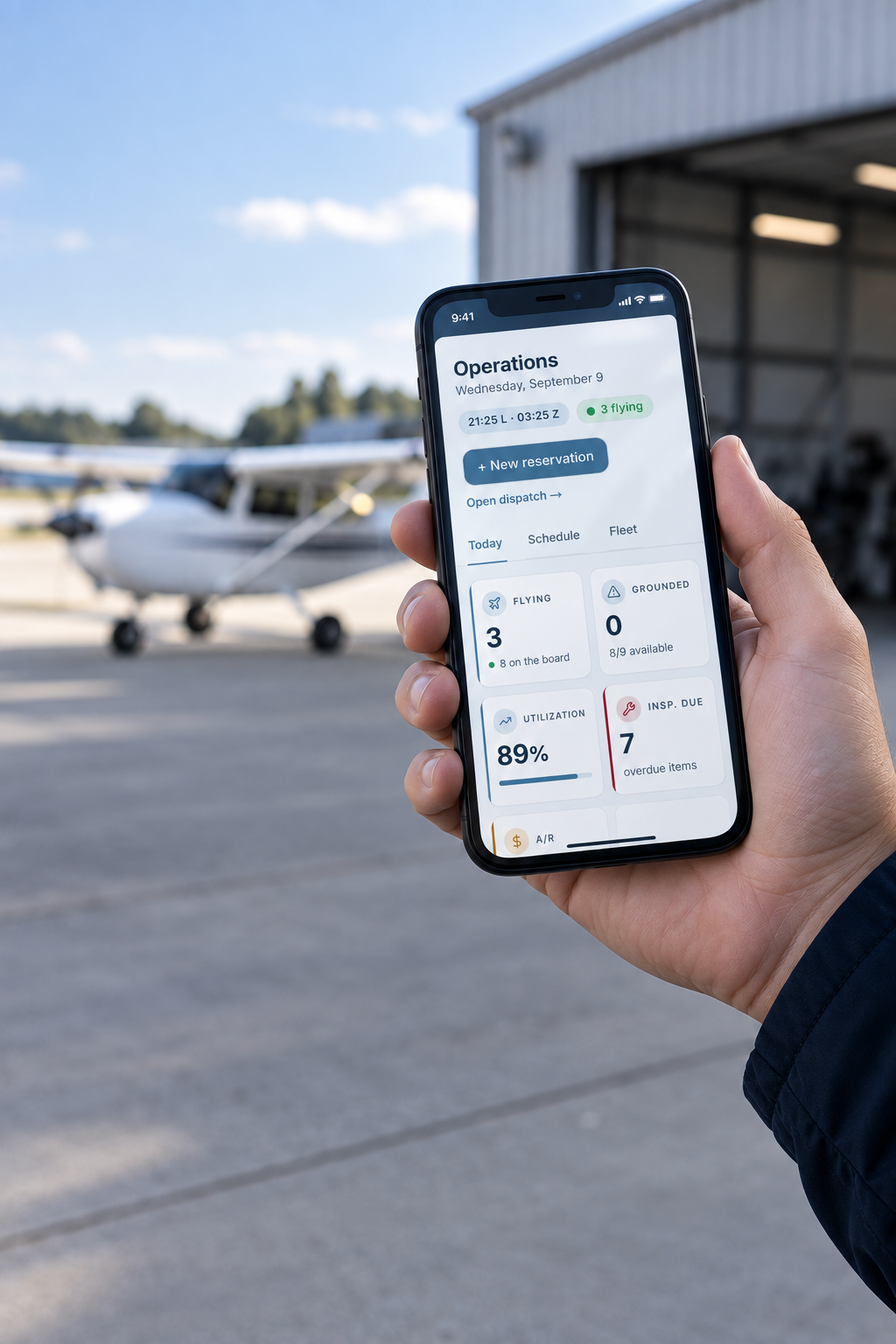
Azimuth's operations dashboard on a phone beside a light aircraft

You can switch without slowing down.

We bring your aircraft, members, flight history, maintenance and billing across seamlessly during your managed migration so you can focus on what matters on the ground.

Your club could be live in as little as 14 days. You choose the cutover date. Nothing is switched off before it.

See how switching works
  1. 01

    Send your records

    • Share an export or the records you have
    • We confirm what will come across
    • Your current system keeps running
  2. 02

    We bring it across

    • We bring across the data you need (members, aircraft, flight history and more)
    • Maintenance and billing are prepared
    • We check the working data with you
  3. 03

    Set up your rules

    • Booking rules, roles and overrides are set
    • Permissions are aligned for each team
    • We review the setup with you
  4. 04

    Train your people

    • Dispatchers, maintenance teams and instructors are trained
    • Your team practices on its own operation
    • Questions are resolved before go-live
  5. 05

    Choose your cutover

    • Your current system stays available
    • Members sign in when you are ready
    • We make the cutover with you

See how Azimuth fits your operation.

Explore Azimuth with a customer care specialist, using your own aircraft, members and operating rules. Then try it alongside your current system.

Book a walkthrough

Walkthroughs and demos run from 8am to 8pm, Mountain time.
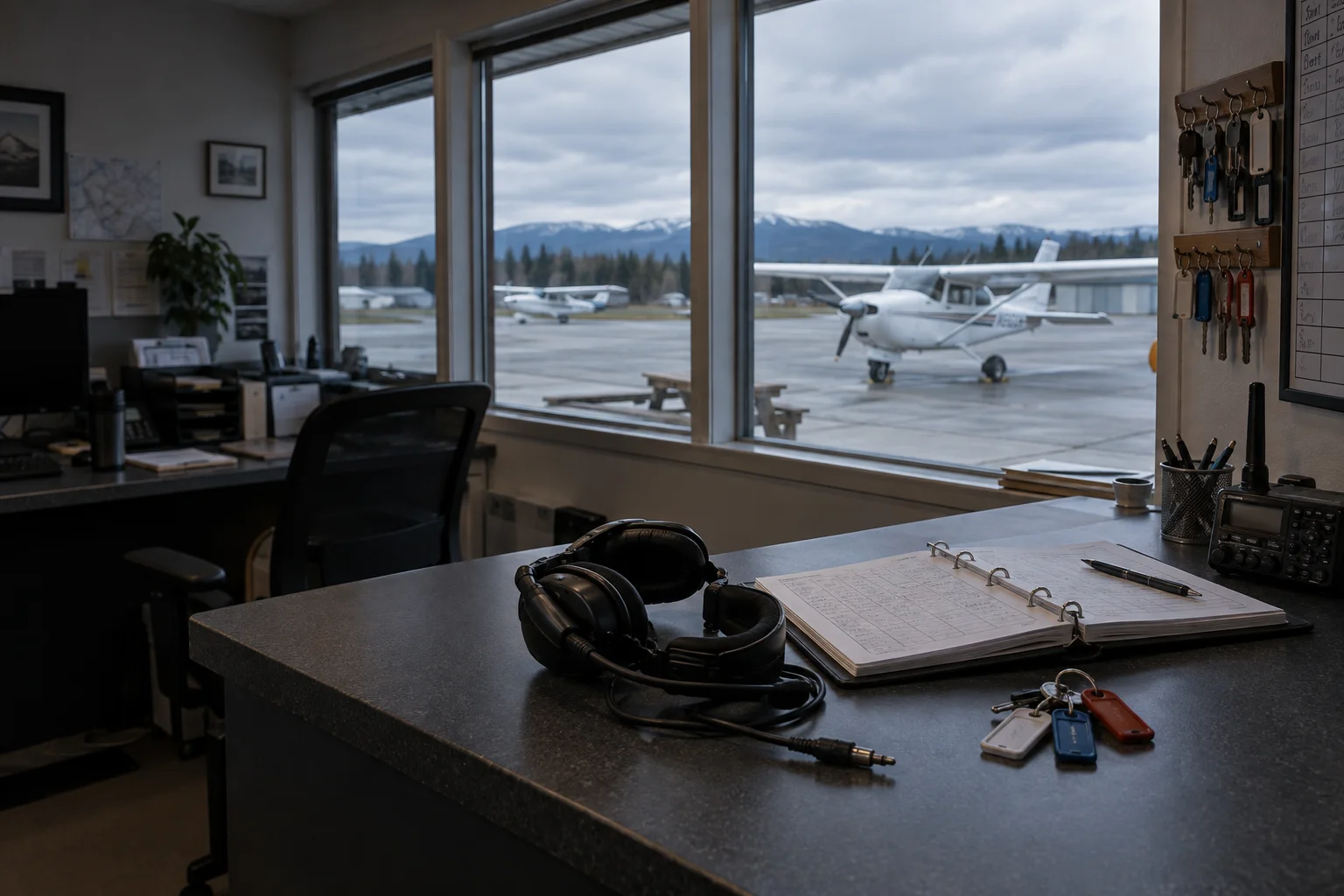
45 Minute Walkthroughs and Demos
Explore the workflows that matter to your team with one of our customer care experts, with time for questions.
We help with your existing records
Our migration team specializes in helping you decide what data to bring across from your previous system and how to move it into Azimuth, so your team can continue with the records it relies on.
Dynamically priced by aircraft and organization size
Competitive pricing tailored to your operation, fleet, membership and team size. Setup and migration are included.